Discover how to easily access our subscribed electronic resources:
- When on campus, the recommended option is to use university-managed computer terminals, devices, or Wi-Fi connections.
- To access our online resources remotely, log in to OpenAthens to see what contents are available for you.
Some databases require additional authentication and may require users to create an account/login on their platform (i.e., VitalSource, EBSCO).
ACCESSING E-BOOK SUBSCRIPTIONS VIA OPENATHENS
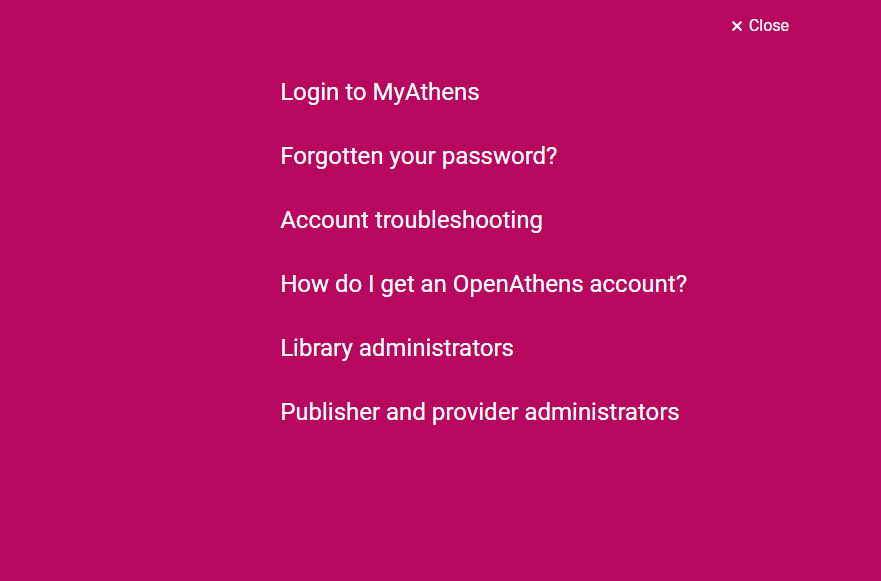
On your browser, go to www.openathens.net, click “log in to MyAthens” on the landing page, and enter your user credentials.
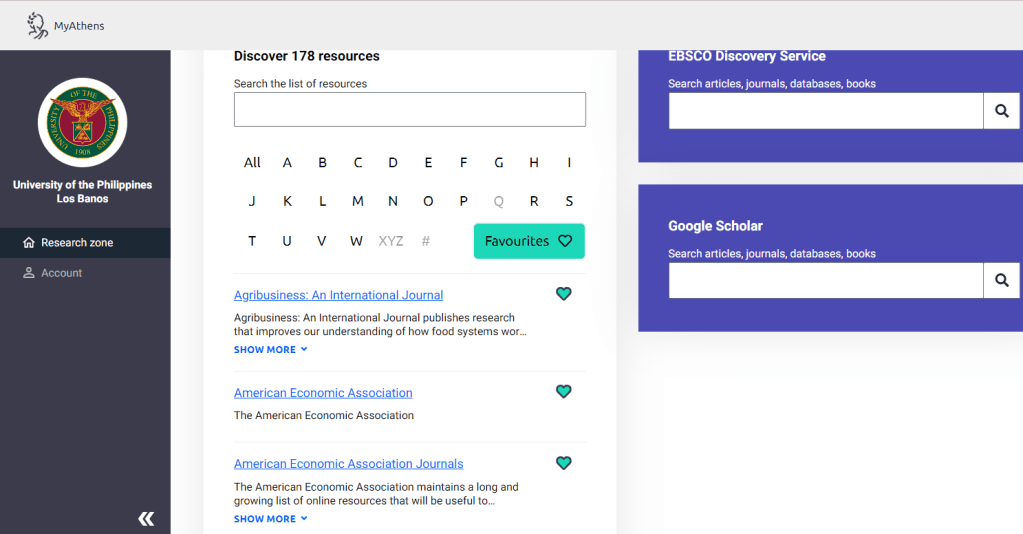
Once signed in, you will see the list of subscribed databases arranged in alphabetical order. Click on the name of the database, and it will open in another tab for you to explore its contents.
OpenAthens is a “gateway” service to facilitate access to publisher content. It does not include any content of its own.
Learn more about OpenAthens

Explore
Visit us!
MONDAY- FRIDAY
7:30 AM to 5:00 PM
discover more
- TestingTesting page only
- Martial LawMartial Law and the Philippine economy- All in all, the Philippine economy suffered its worst during the Marcos regime.
- Sovereign Wealth FundAre you familiar with Maharlika fund? Learn more about sovereign wealth fund (SWF) or sovereign investment fund
- Women in Business and EconomicsReading List Heading Home : Motherhood, Work, and the Failed Promise of Equality In a cultural climateContinue reading “Women in Business and Economics”
 CEM Library